

In testing: the first image isn't public yet
Glass on the outside. Linux at the core.
An operating system designed pixel by pixel, free and open — for the computer you already have.
Glass and aurora
Transparency you can feel.
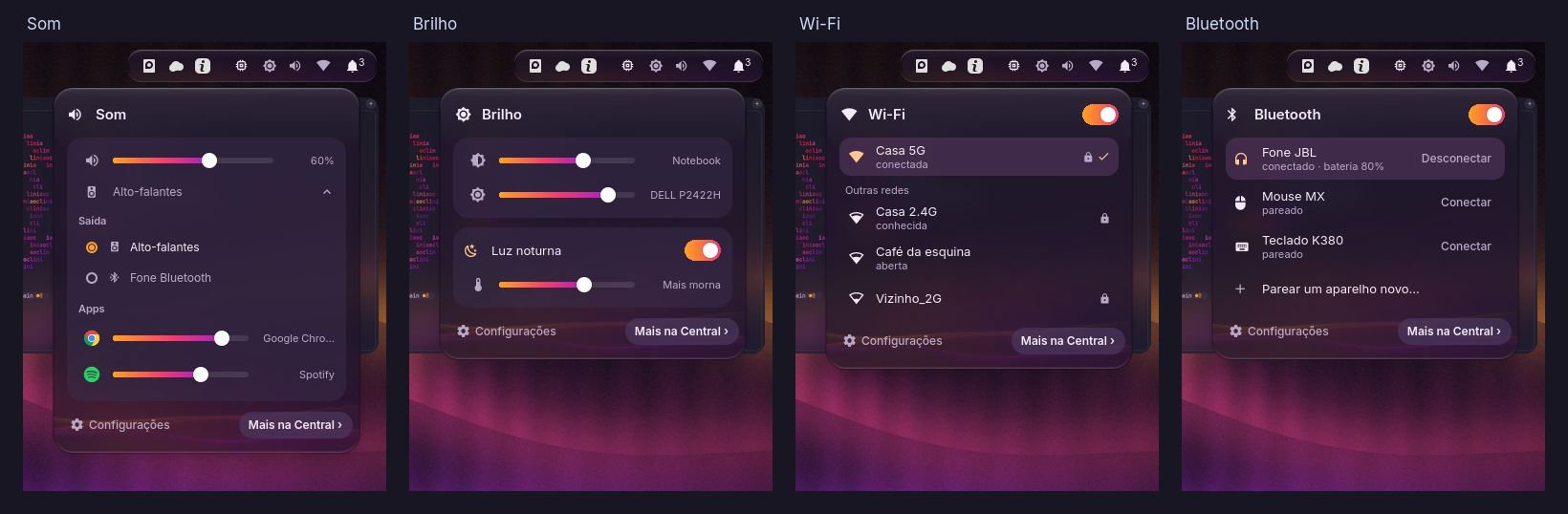
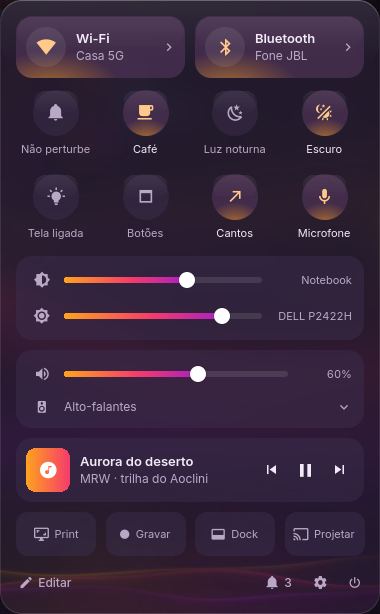
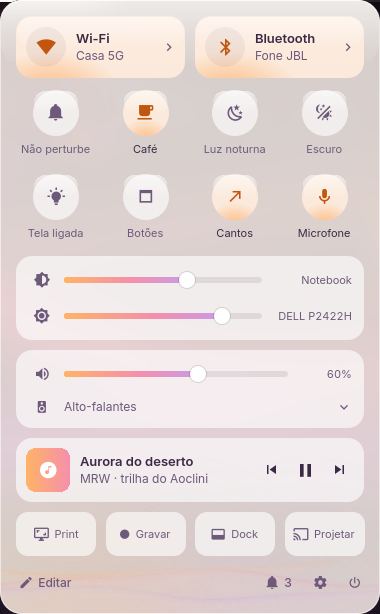
Floating top-bar islands, a glass dock, windows that let the wallpaper breathe. It's not a theme on top of another system — it's how Aoclini is, from login to shutdown.
Hyprland environment
Everything, one key away.
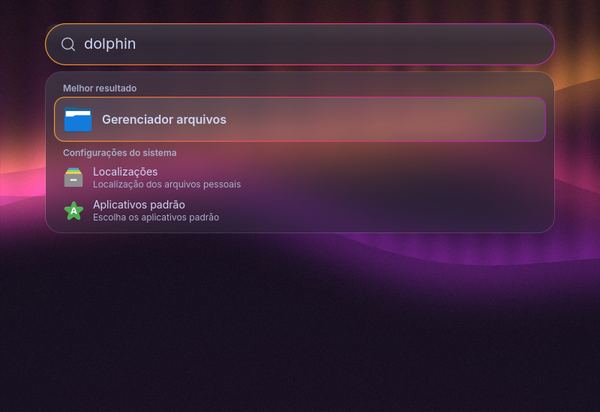
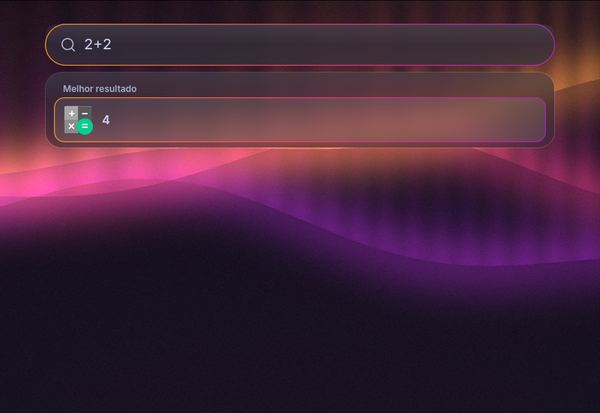
Meta + Space opens search: apps, files and quick math without leaving the keyboard. And every open window shows up side by side, at a glance.
Hyprland environment
You'll feel at home on the first click.
The file manager gets a command bar you already know, tabs that stay put, and an instant peek at any file.



Hyprland environment
- Peek — Alt + Space previews any file without opening an app.
- Quick actions — convert, resize, batch-rename, right from the context menu.
- Always-visible tabs — with rounded corners, like everything else.
Terminal and editor
For people who write. Words or code.
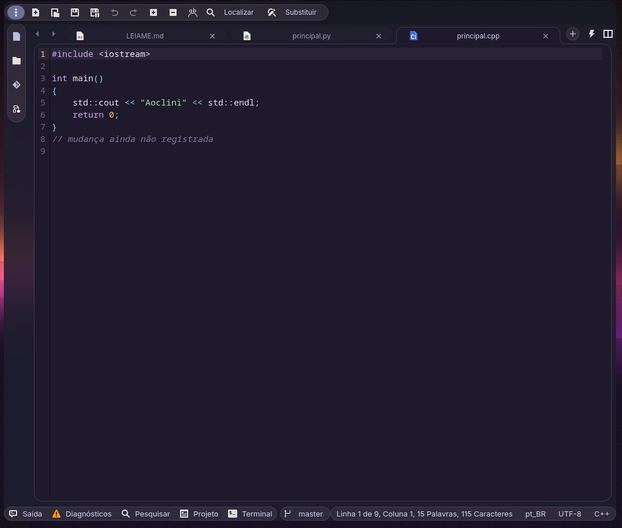
The terminal and the text editor share the same glass, the same tabs and the same care as the file manager. Switching windows doesn't mean switching worlds.
Light by day. Dark by night. Without asking.
At 6 a.m. Aoclini wakes up light; at 6 p.m. it goes dark. One click switches it anytime.


Hyprland environment
Two environments
The way you work.
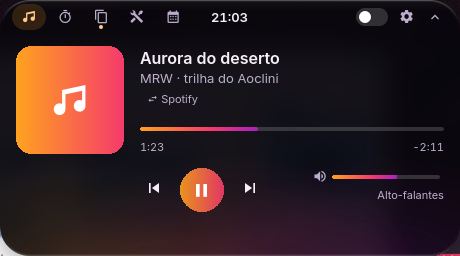
Aoclini Glass is the default environment, for everyone. Hyprland is for keyboard people: automatic tiling, glass search and an island in the bar that shows what's happening right now — music, a timer, a recording, file copies.

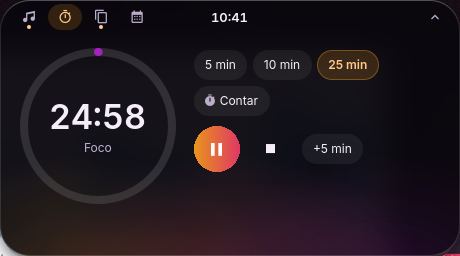
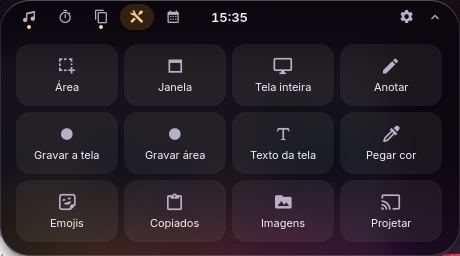
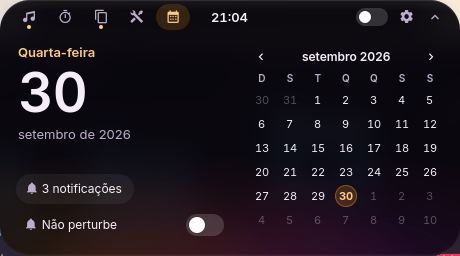
Hyprland environment
For the computer you have
Born on a modest laptop.
Aoclini is built and tested on a laptop with a 6th-gen Core i3 and 4 GB of memory. That's the machine every release has to work on first.
- Compressed memory — more apps open on low-RAM machines.
- Drivers on the image itself — NVIDIA, AMD and Intel, network and audio, with a safe-graphics option at boot.
- Next to Windows — Aoclini installs alongside it, and you choose at startup.
- Try it first — the image boots from a USB stick into a trial session, without touching your disk.
- A 7-step welcome — from first login to your apps, always from official sources.
- Updates that don't break things — if an app changes, it falls back to the stock look until the new finish ships.
The Aoclini family
An edition for every use.
Aoclini is free and open. For school, office and business, there's an edition set up for it.
For everyone
Aoclini
The complete system, free and open.
Free
In testing: the first image isn't public yet
For students and schools
Aoclini Education
Aoclini set up for learning and teaching.
Free
In the works: no date yet
For the office
Aoclini Office
Aoclini set up for office work.
Free
In the works: no date yet
For companies and professional work
Aoclini Pro
Everything in Aoclini, ready to produce.
Paid · Price to be set
In the works: no price or date yet
Aoclini for Business
The same Aoclini — deployed, supported and managed by MRW Tecnologia — for companies that want to drop the license fee without dropping productivity.
Computers with Aoclini
The system is born on a real laptop. Next come partners — and MRW's own line.

In testing: the first image isn't public yet
Power yours on.
The first image is in testing. Ask to be notified and you'll know when it ships — just that, once.